See what’s next.
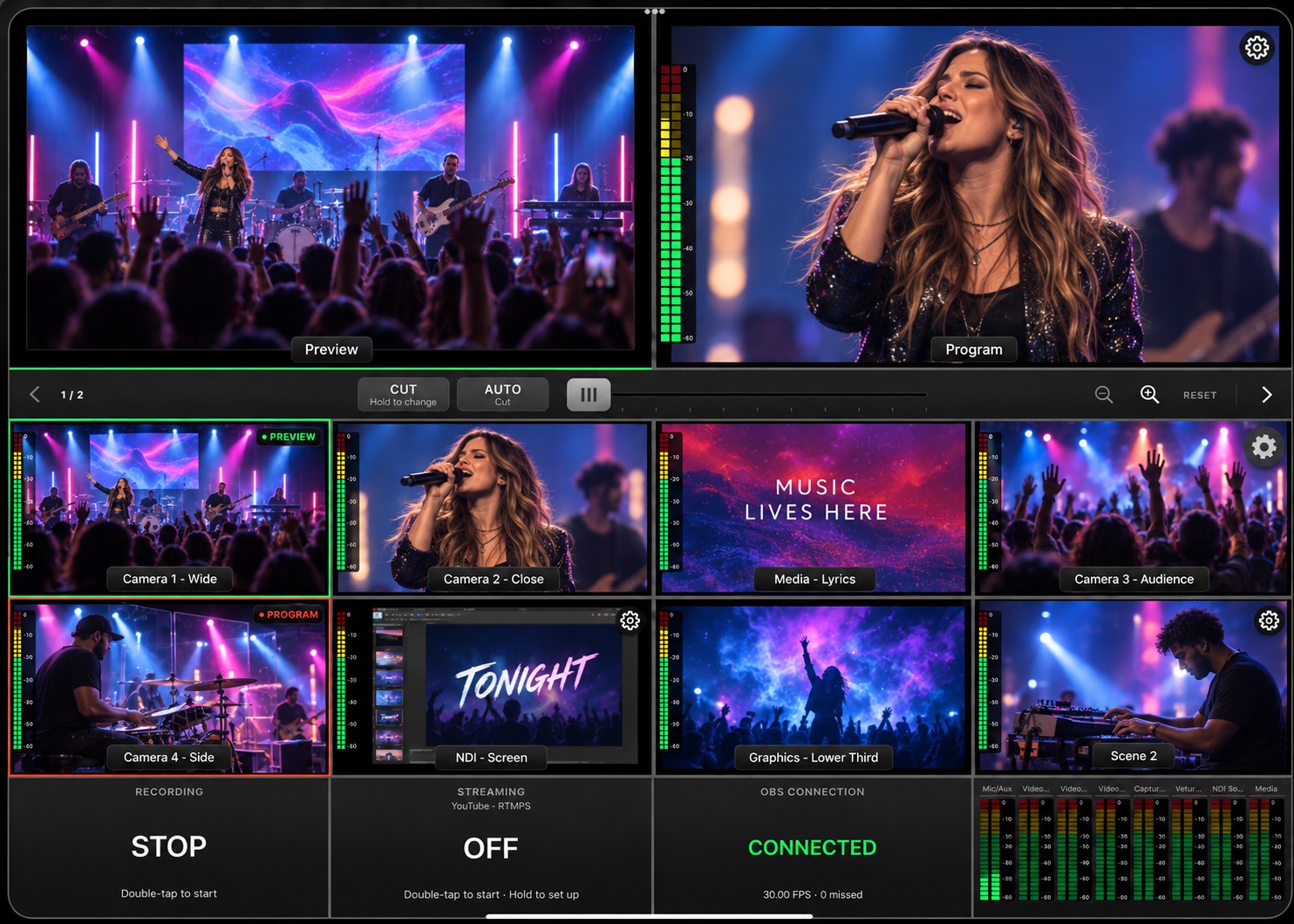
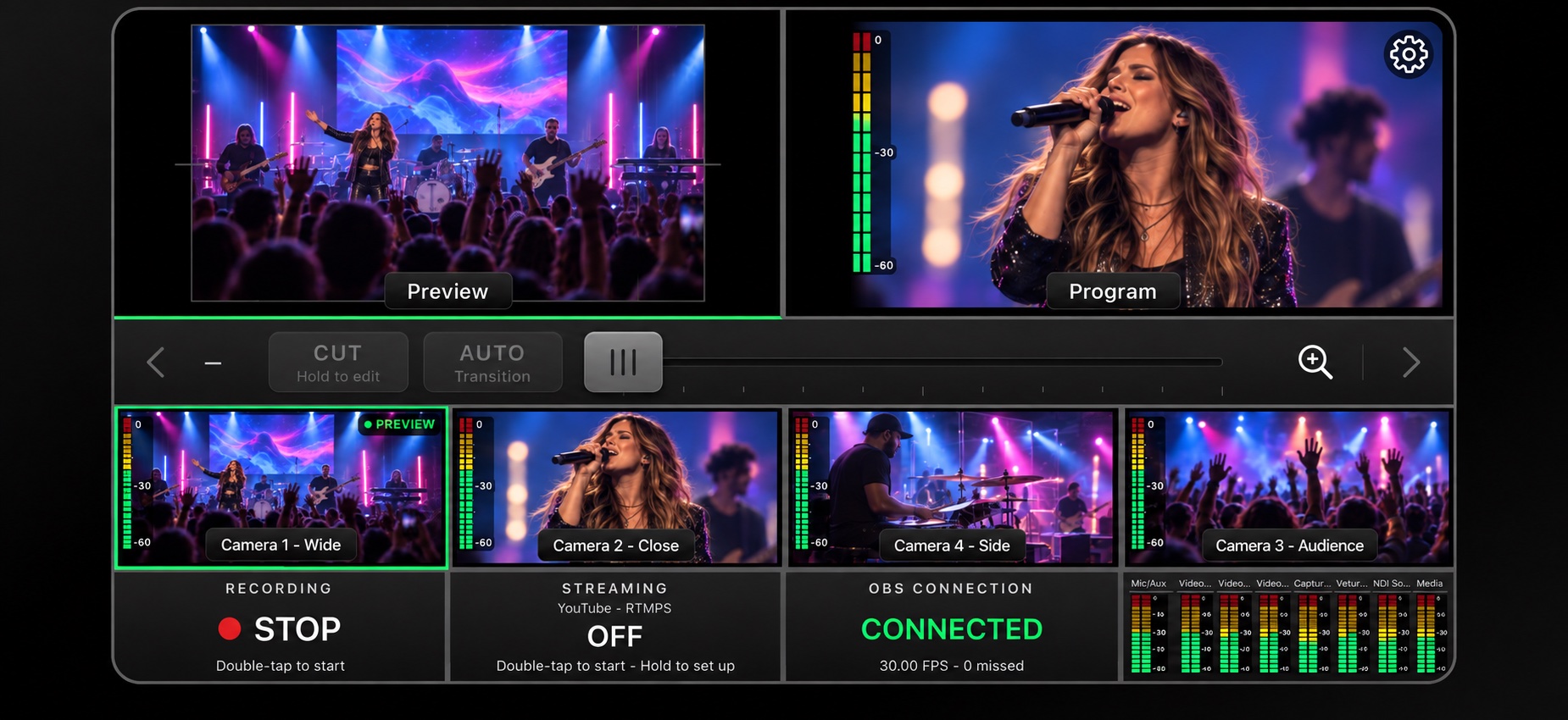
Preview your next shot while Program shows what your audience sees. Keep your cameras in view, together.
 livcue.Downloads
 A PROFESSIONAL PRODUCTION SWITCHER FOR OBS
Preview cameras. Switch scenes. Mix audio.
The controls of a production switcher, built for OBS.Your device and OBS computer must be on the same local network.
A SWITCHER BUILT AROUND OBS.
Keep OBS running on your computer, at a desk or in an equipment rack. LivCue brings Preview, Program, transitions and audio controls together on your phone or tablet. Both devices connect through the same local network.
MADE FOR THE MOMENT
Preview your next shot while Program shows what your audience sees. Keep your cameras in view, together.
Cut in an instant, let Auto handle the transition, or move the T-bar at your own pace.
Adjust audio levels, mute microphones, and start recording or streaming from the switcher’s control panels.
A full view on iPad.
A focused layout on your phone.
A FEW STEPS. A WHOLE NEW VIEW.
One app on your device.
One plugin in OBS.
You’re in control.
Download the Mac plugin, run the installer, then open Tools → LivCue in OBS.
Download Mac installerOpen LivCue for iOS or Android on the same local network as your OBS computer. Select the computer or scan its QR code.
In the app, choose Through OBS (Recommended) in Settings → Monitoring. Prepare a scene in Preview, then send it to Program.
Learn the controlsLIVCUE PRO
Every app feature. One simple subscription.
Try it free for 7 days*LET’S GET YOU SET UP
Get the plugin for your OBS computer.
Get the app for your phone or tablet.
FOR YOUR OBS COMPUTER
Connect OBS to your LivCue app.
Bring your scenes, video and controls into the switcher.
macOS 13+ · OBS 32.2.2
Apple Silicon & Intel · Version 1.2.0
Signed & Apple-notarized
A production switcher for your phone or tablet.
View on the App Store ↗For iPhone & iPadOBS runs the production on your computer. LivCue gives you a professional production switcher interface on your phone or tablet, with live views, scene switching, transitions and audio controls.
A Mac with macOS 13 or later and OBS 32.2.2, the LivCue Mac plugin, and the LivCue mobile app. Keep your device and computer on the same network. The mobile app requires a subscription.
Not for standard monitoring through OBS. If you use NDI cameras in OBS or choose Direct NDI monitoring, you’ll need DistroAV. Our setup guide explains what to install.
Read the NDI setup guide ↗Download the Mac plugin and get the mobile app using the links above. The Windows plugin is coming later.
Yes. Your phone or tablet and the OBS computer must be on the same local network. The computer can use a wired connection while your device uses Wi-Fi on that network. LivCue does not connect to OBS over the internet.
THE MOMENT IS YOURS.
Take